
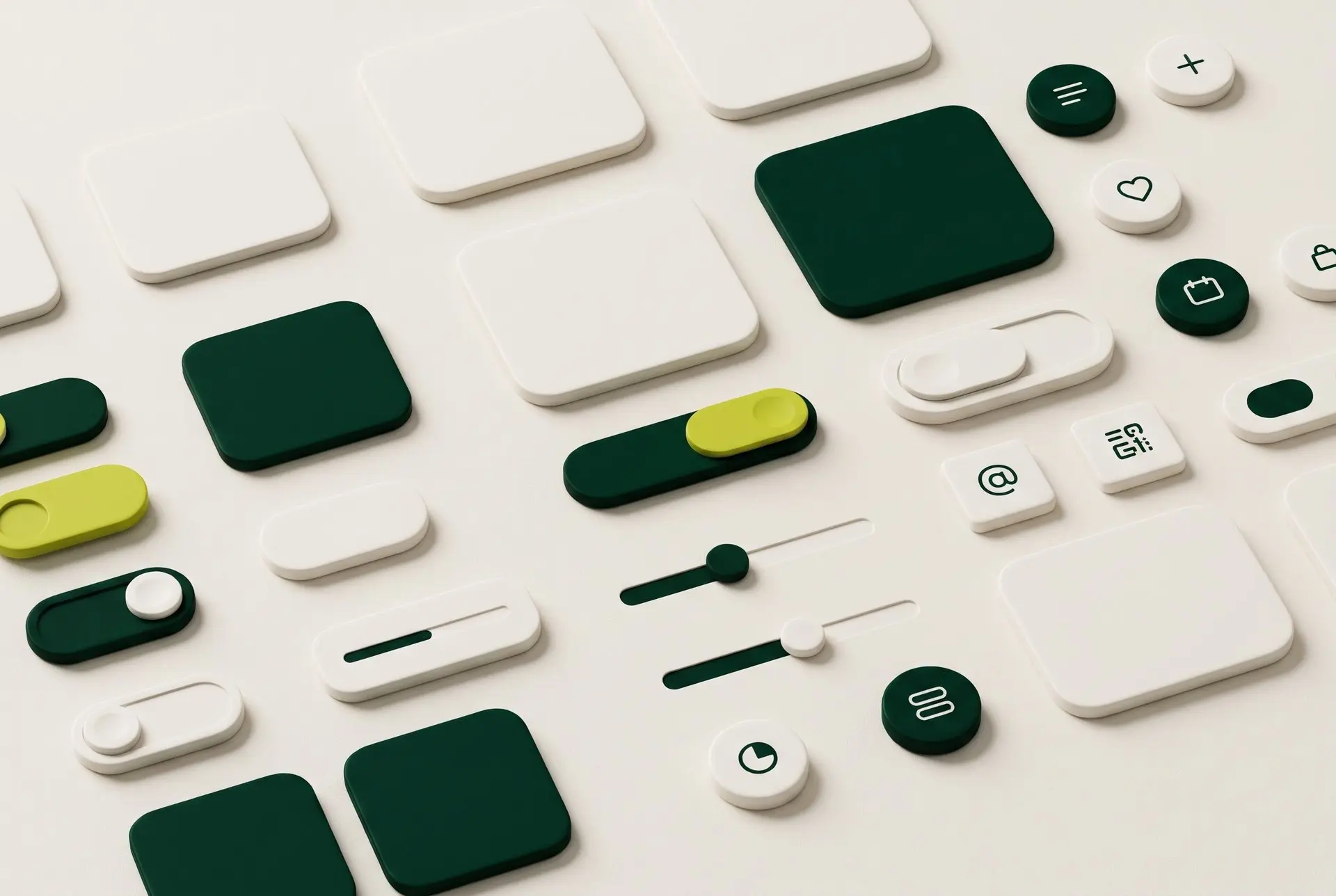
A design system only works if developers reach for it before they write their own button. Most systems that get ignored are not badly designed; they are hard to map to code. These are the habits that keep ours in use.
Tokens first
Colours, spacing, type sizes and radii live as variables in Figma with the same names they have in code. When a developer inspects a frame, they see a token they can paste, not a hex value they have to look up.
:root {
  --brand-green-950: #012a1c;
  --accent-lime-500: #bdc61d;
  --radius-card: 20px;
  --space-section: 120px;
}
Name things the way code does
Component and variant names follow the props developers will write. A button with State=Hover and Size=Small maps straight to a component with state and size props, so nobody has to translate.
- Variants mirror props, not visual descriptions
- Every component has a short usage note in Figma
- Deprecated components are marked, not deleted
Handoff is a conversation
We review each new component with the developer who will build it before it is marked ready. Ten minutes on a call saves a week of guessing at hover states and empty states.
Rule of thumb
If a developer has to ask how a component behaves, the answer belongs in the component's description.
- Design systems
- Figma
- Handoff